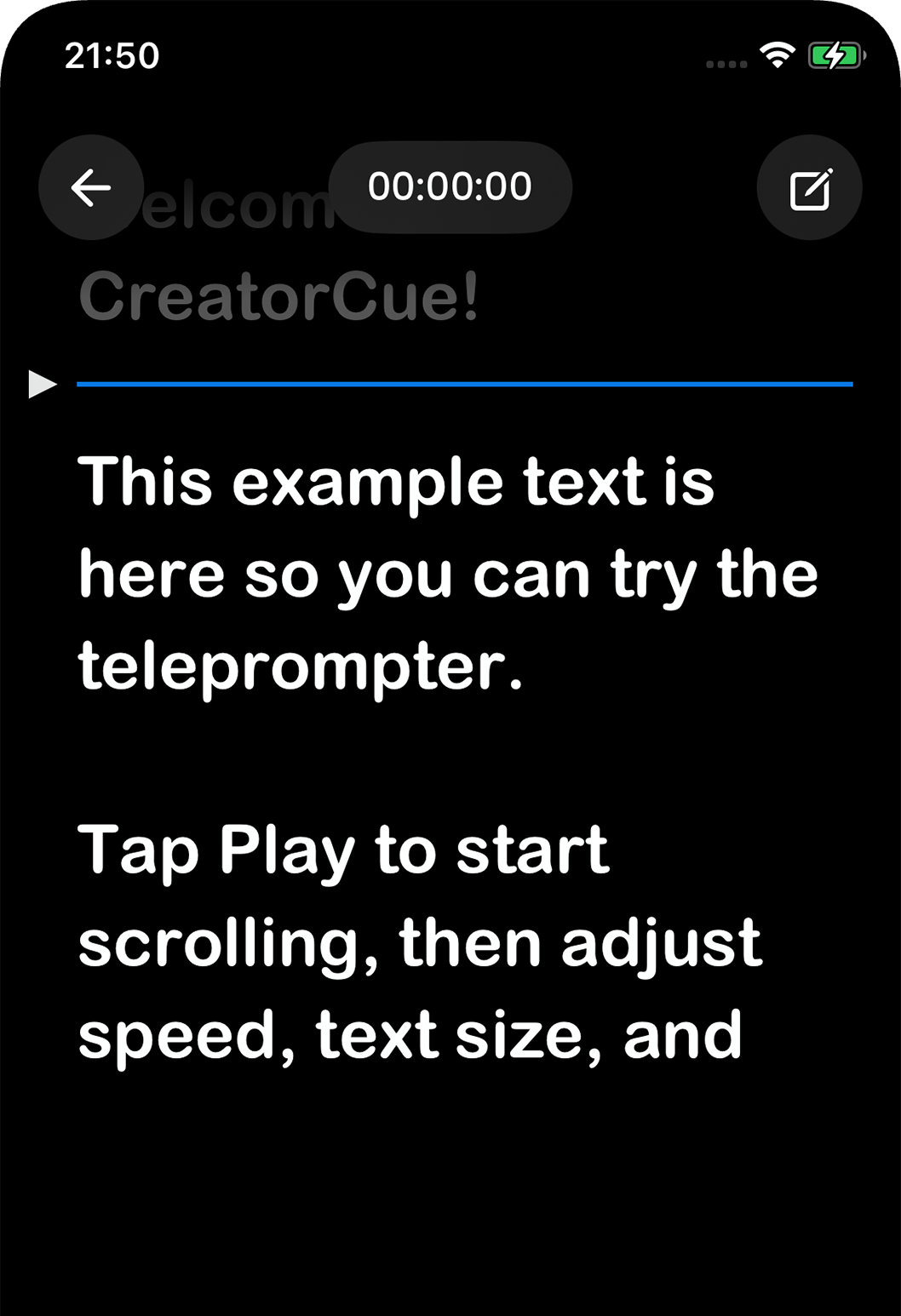
Look natural on camera without memorizing a word. Your lines are always right in front of you.
Trusted by 10,000+ creators
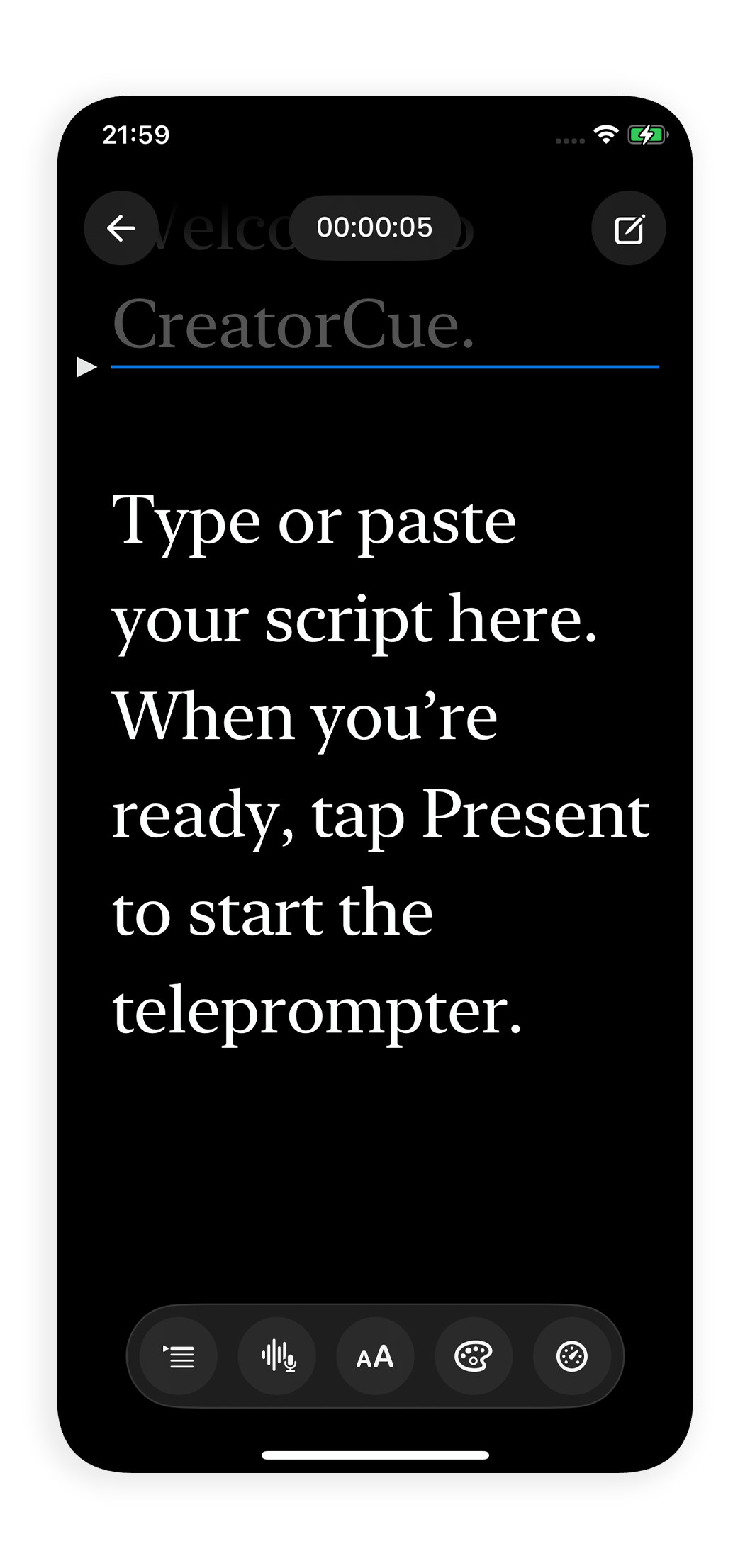
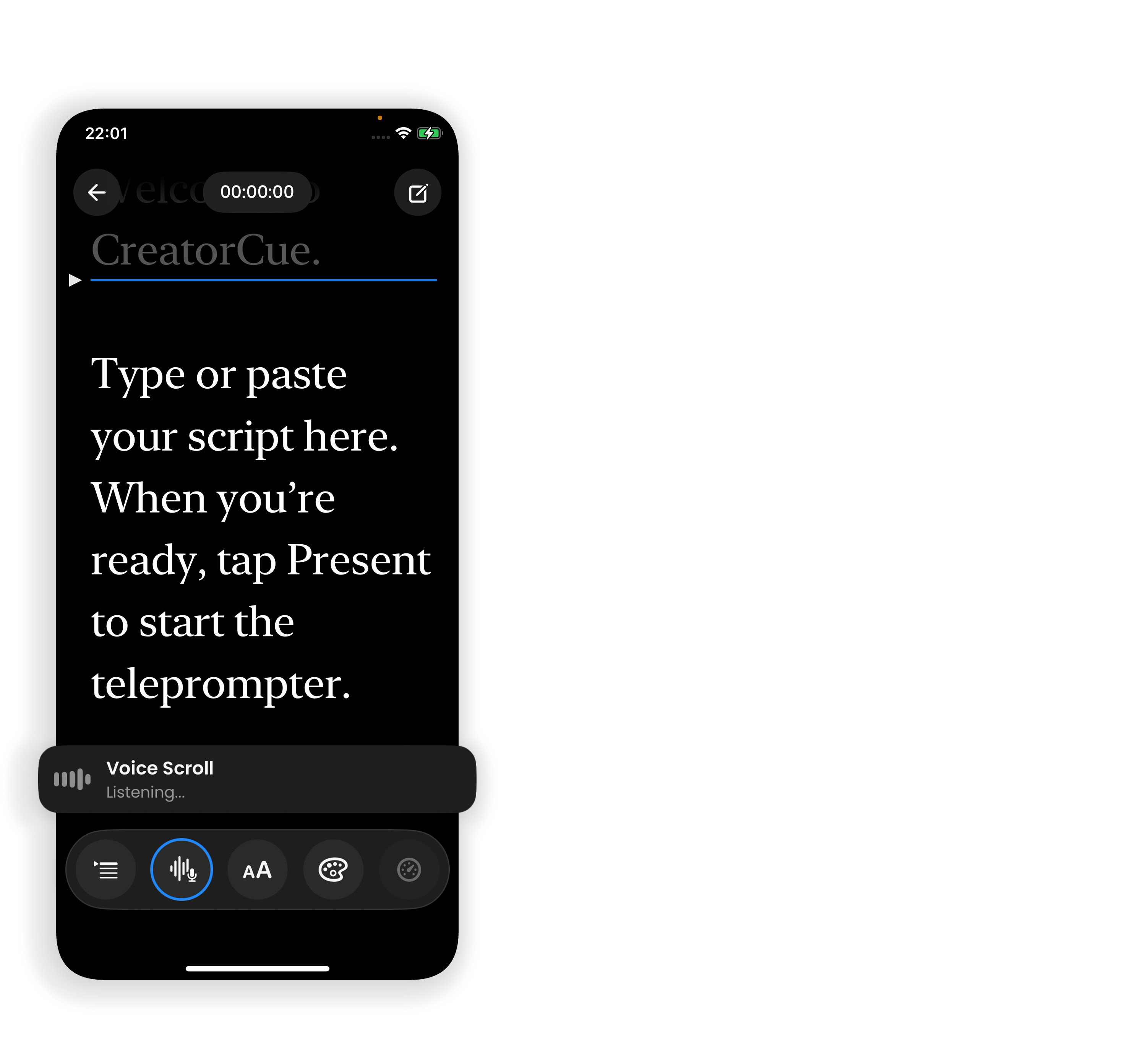
Your script moves with your voice. Speak faster and it speeds up. Pause and it holds. No tapping, no manual control needed.
Voice Scroll · live preview
Open a script, tap record, and film. The teleprompter runs alongside the camera the whole time so nothing breaks your flow.
Perfect for teleprompter rigs and front-facing cameras. Look directly into the lens, every time.
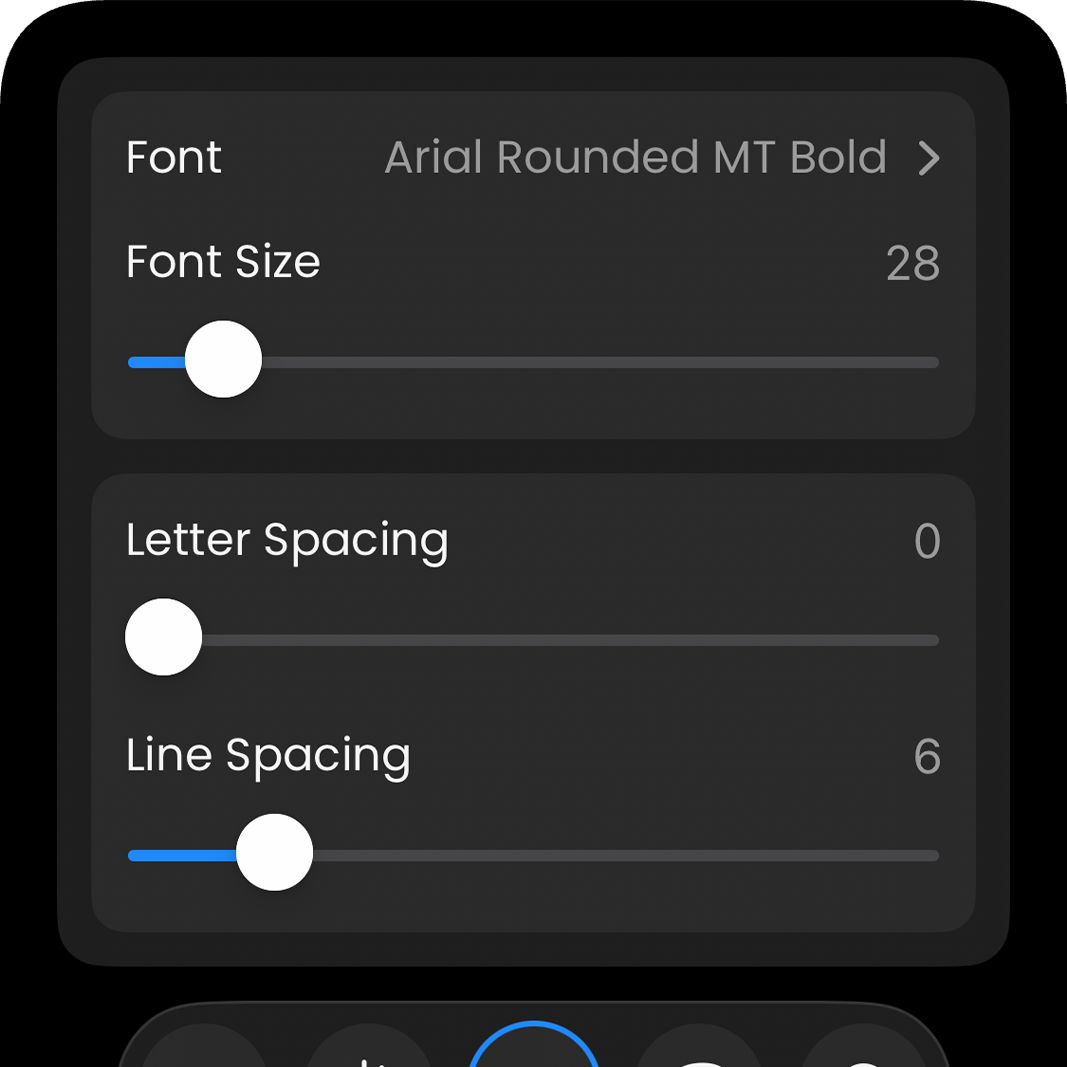
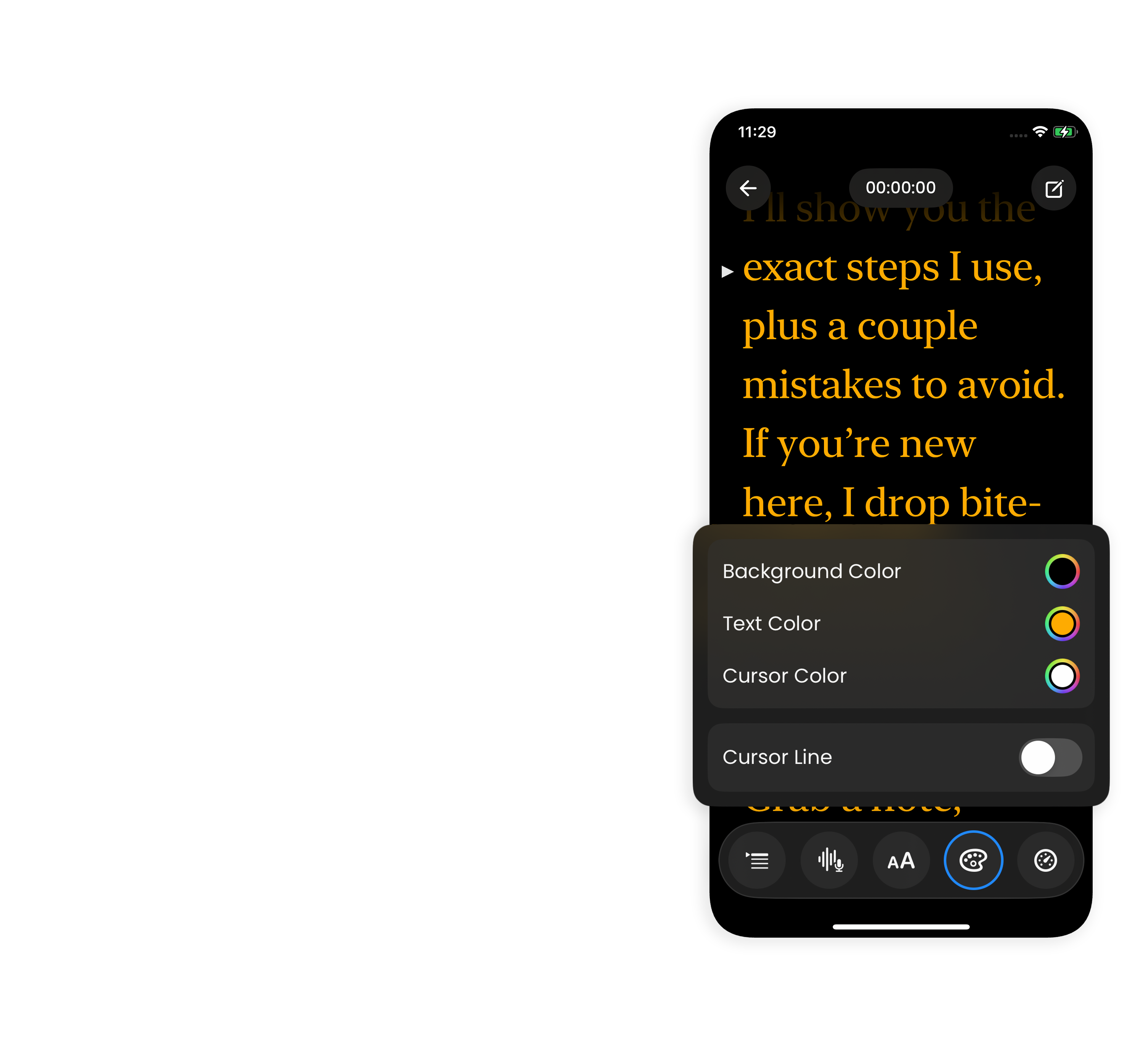
Set your font, size, text color, and background to match any filming environment or lighting setup.
Import DOCX, PDF, and TXT scripts in seconds, or paste directly from your clipboard.
Store as many scripts as you need, at any length. Organize, edit, and access them all in one place.
"Loving the interface, great design and does what it promises :)"
 App Store
"The most user friendly teleprompter I've seen"
App Store
From 10,000+ creators worldwide
App Store
 Google Play
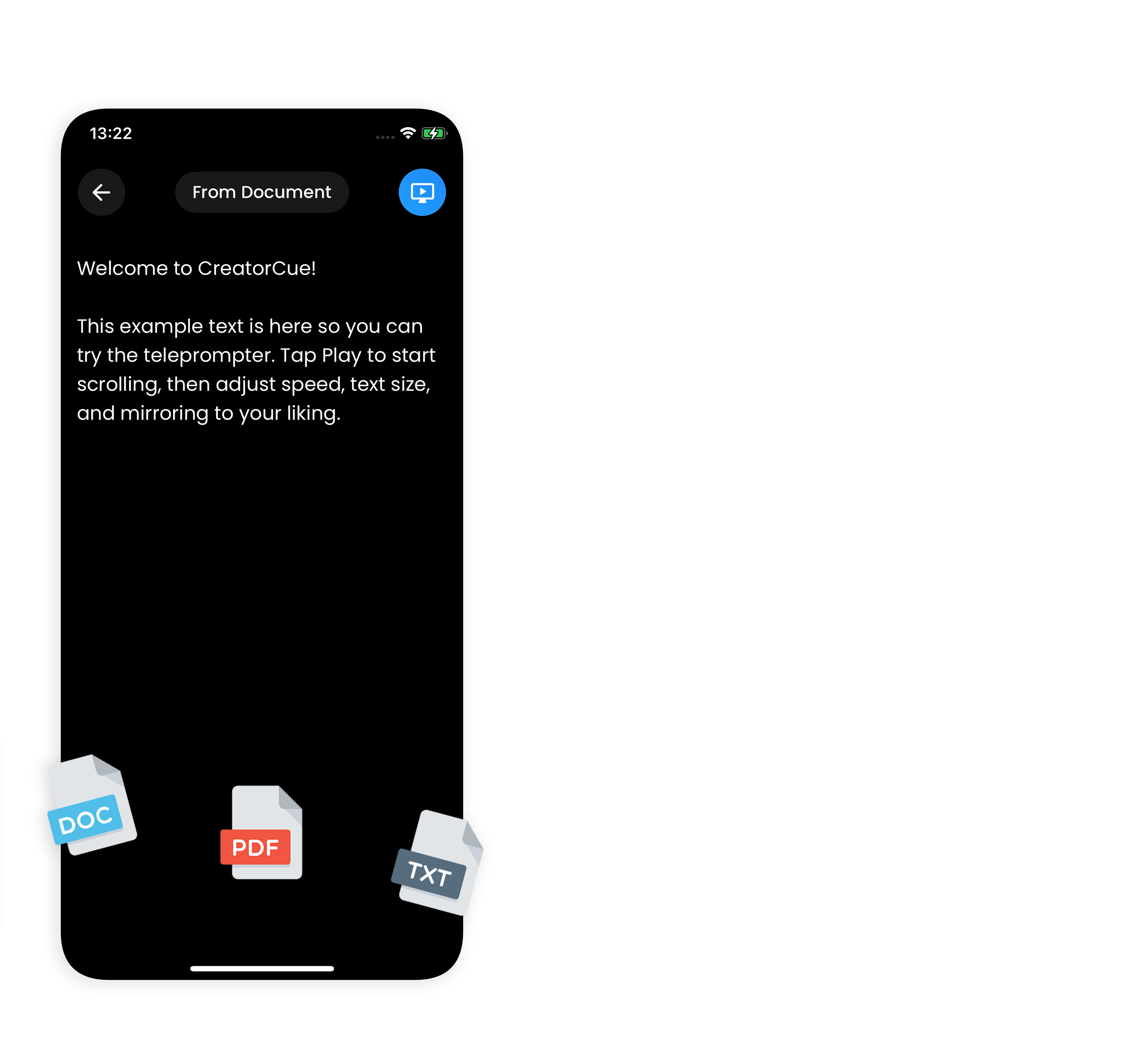
CreatorCue is a teleprompter app for iPhone and Android that lets you read your script while you film, so you can look straight into the lens without memorizing a word. Whether you shoot talking-head videos, tutorials, ads, or vlogs, the teleprompter keeps your lines in front of you and your delivery natural.
Unlike a traditional teleprompter that scrolls at a fixed speed, CreatorCue's Voice Scroll teleprompter follows your voice and matches your pace in real time. Import a script from DOCX, PDF, or TXT, flip it with Mirror Mode for a teleprompter rig, and record with the built-in camera, all in one app.
Creators use CreatorCue as a teleprompter for TikTok, teleprompter for YouTube, teleprompter for Instagram Reels, and a teleprompter for iPhone or Android. You can even use it as a Pixel Creator Suite alternative on the phone you already own.
Available on iPhone and Android. Open the app and start creating in under a minute.