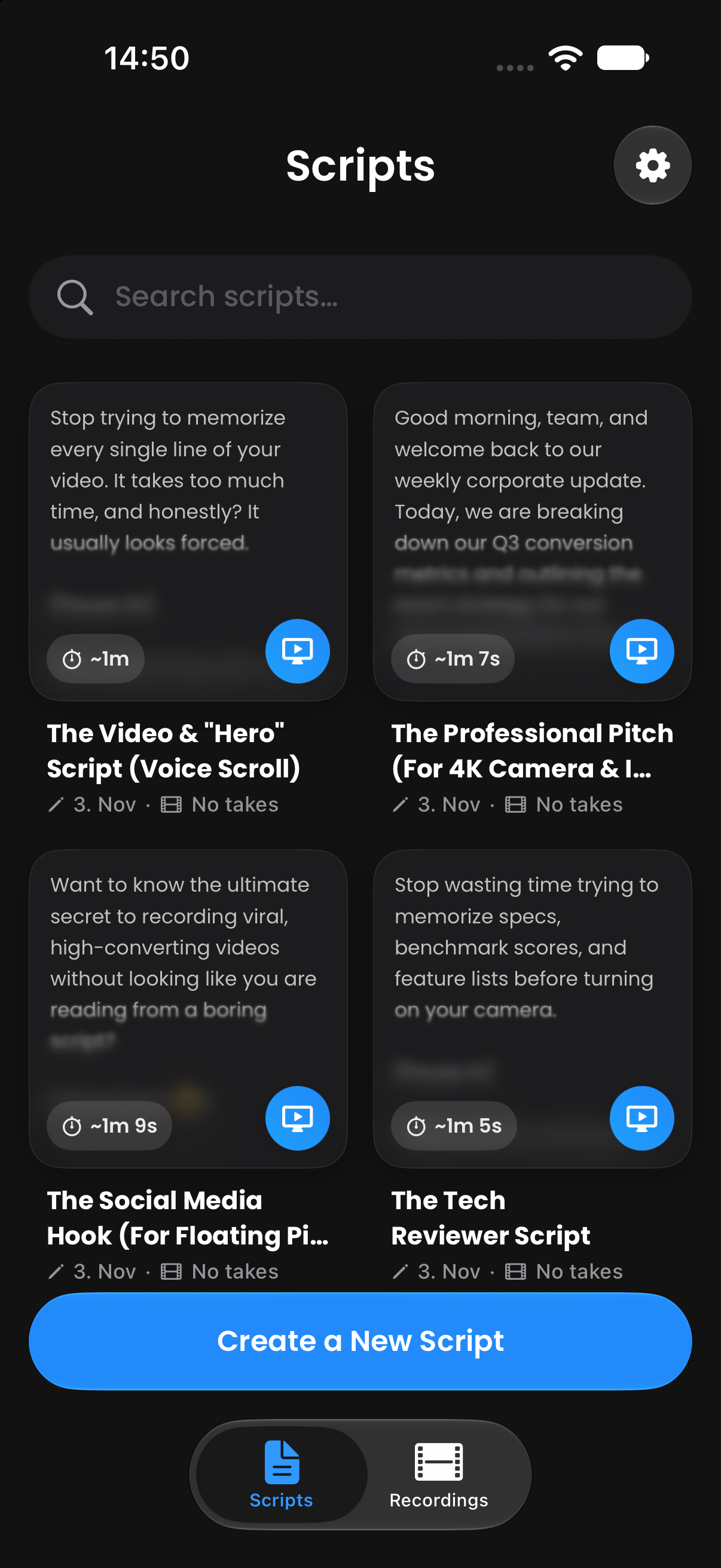
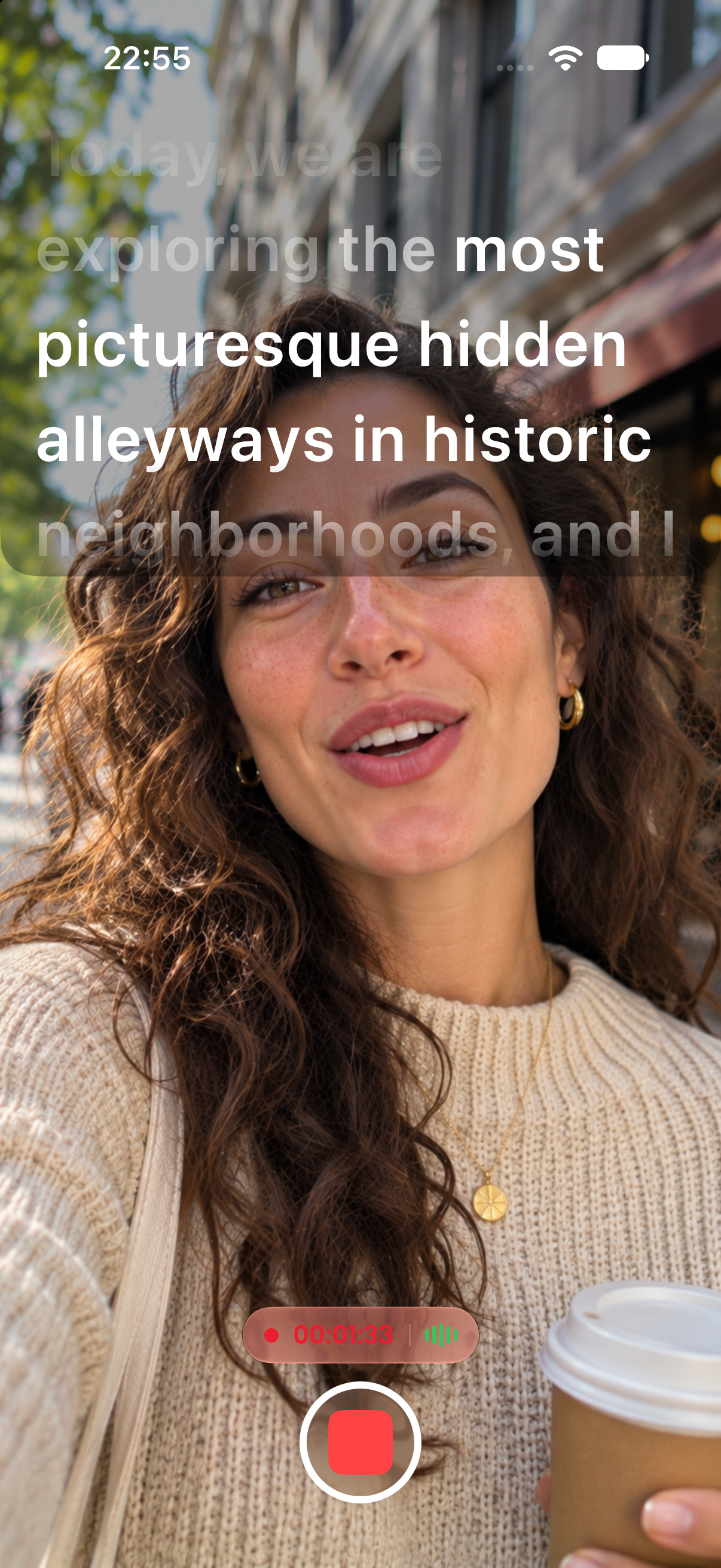
A floating Picture-in-Picture window keeps your script on screen while you record in TikTok, Instagram, YouTube, Zoom, FaceTime, or your camera app. Film in the app you already use.
Free to download. No subscription required to start.
Pick a script in CreatorCue and start the Floating Teleprompter.
Open TikTok, Instagram, YouTube, Zoom, or FaceTime. Your script stays on top.
Drag the window under your lens, pick a format, and hit record in the other app.
Place the window right under your front camera, so your eyes stay close to the lens.
Switch between landscape, square, and portrait to show more text or cover less of your frame.
On Android, fade the window background so you can still see the app underneath.
Stay on script during Instagram Live, Zoom calls, FaceTime, and live streams.
A teleprompter that follows your voice, word for word.
Learn more →Your script in a floating window over TikTok, Instagram, Zoom, and more.
Learn more →Record in 4K with your script right next to the lens.
Learn more →Bring scripts in from PDF, Word, RTF, or TXT files.
Learn more →Bracketed notes like [Pause 2s] that you see but never read aloud.
Learn more →Flip your text for teleprompter glass and beam splitter rigs.
Learn more →Available on iPhone and Android. Open the app and start creating in under a minute.
 App Store
 Google Play