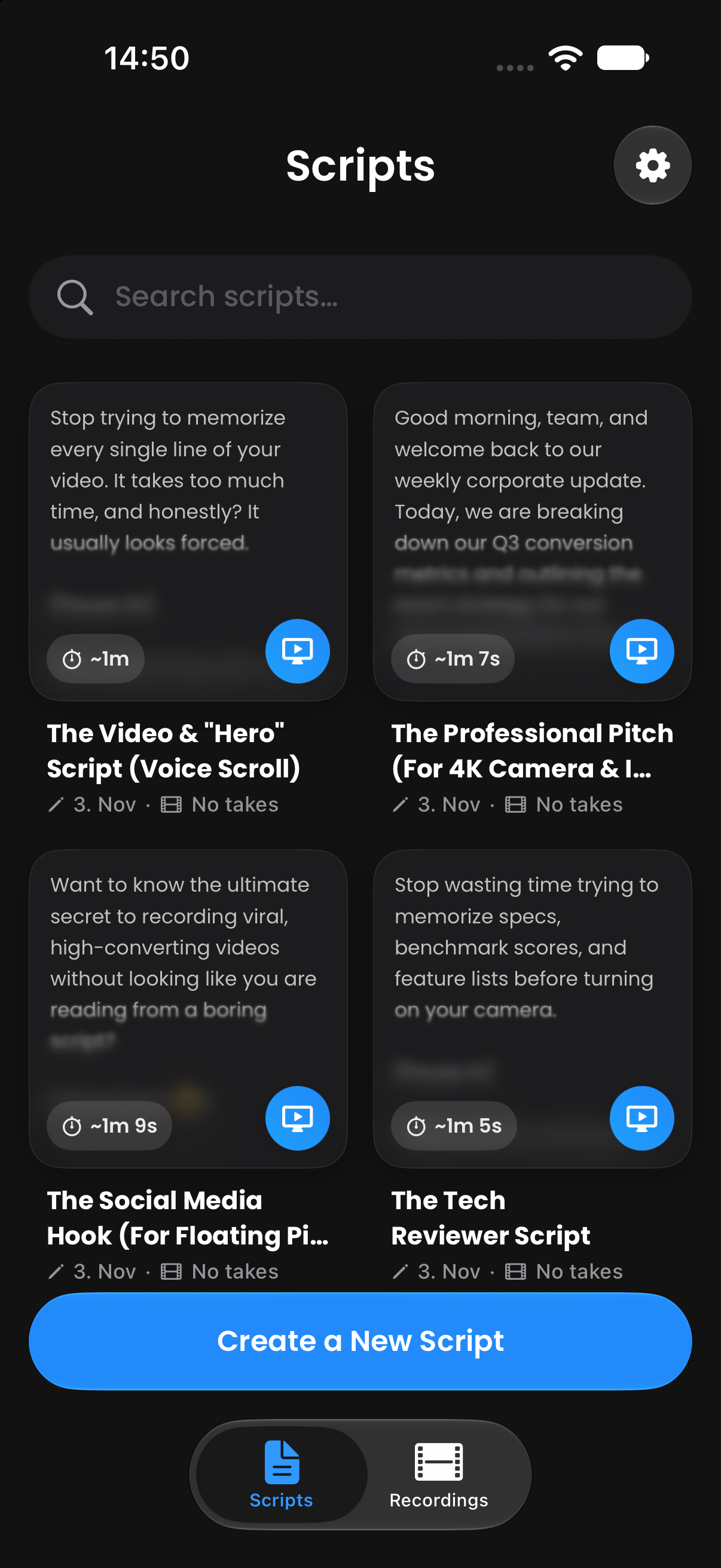
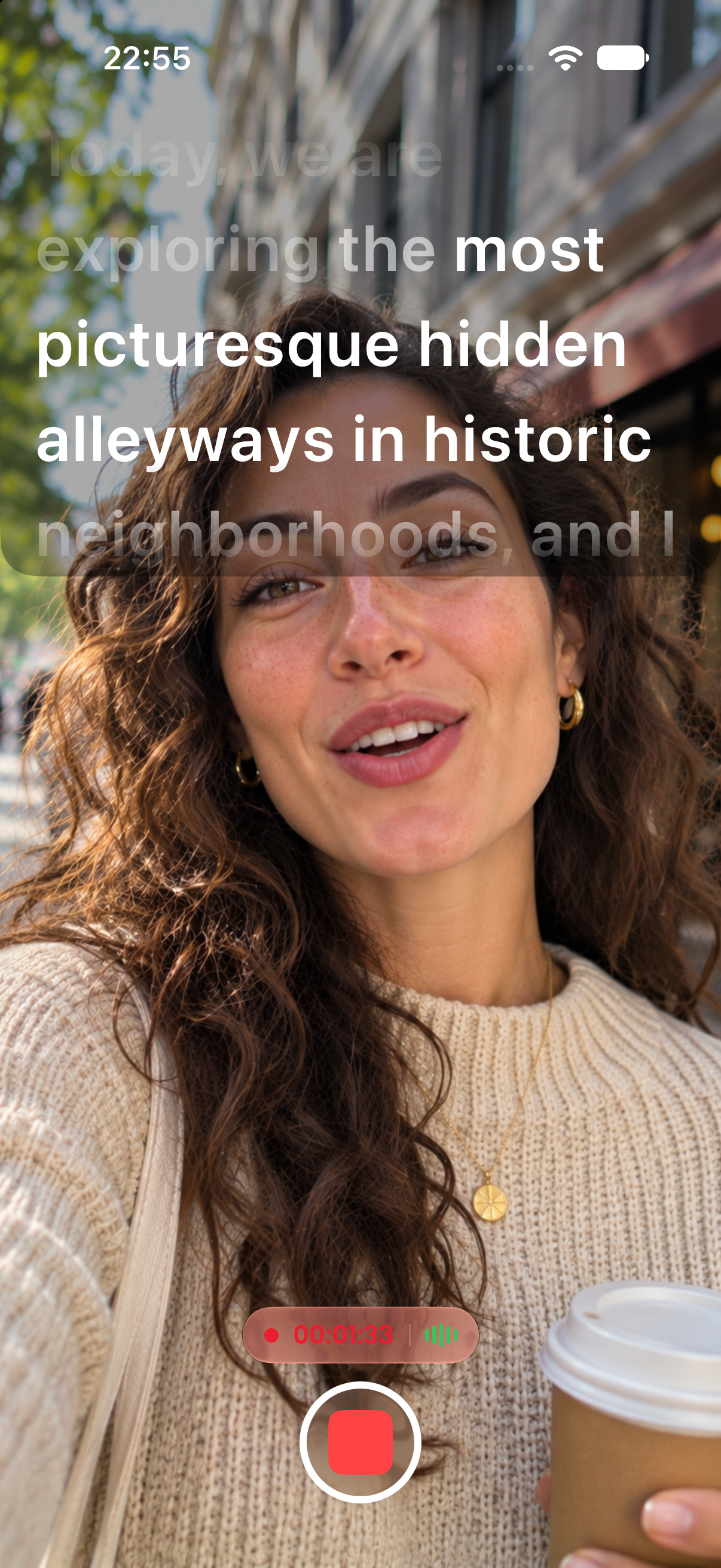
Write notes like [Smile 😊] or [Pause 2s] in brackets. CreatorCue highlights them in their own color, then fades them out on a 3-second timer, so you see them without reading them aloud.
Free to download. No subscription required to start.
Type any note between square brackets, like [Look at camera 2] or [Show product].
Cues get their own color and style, separate from the lines you speak.
Each cue dims progressively over 3 seconds, giving you time to pause, smile, or gesture.
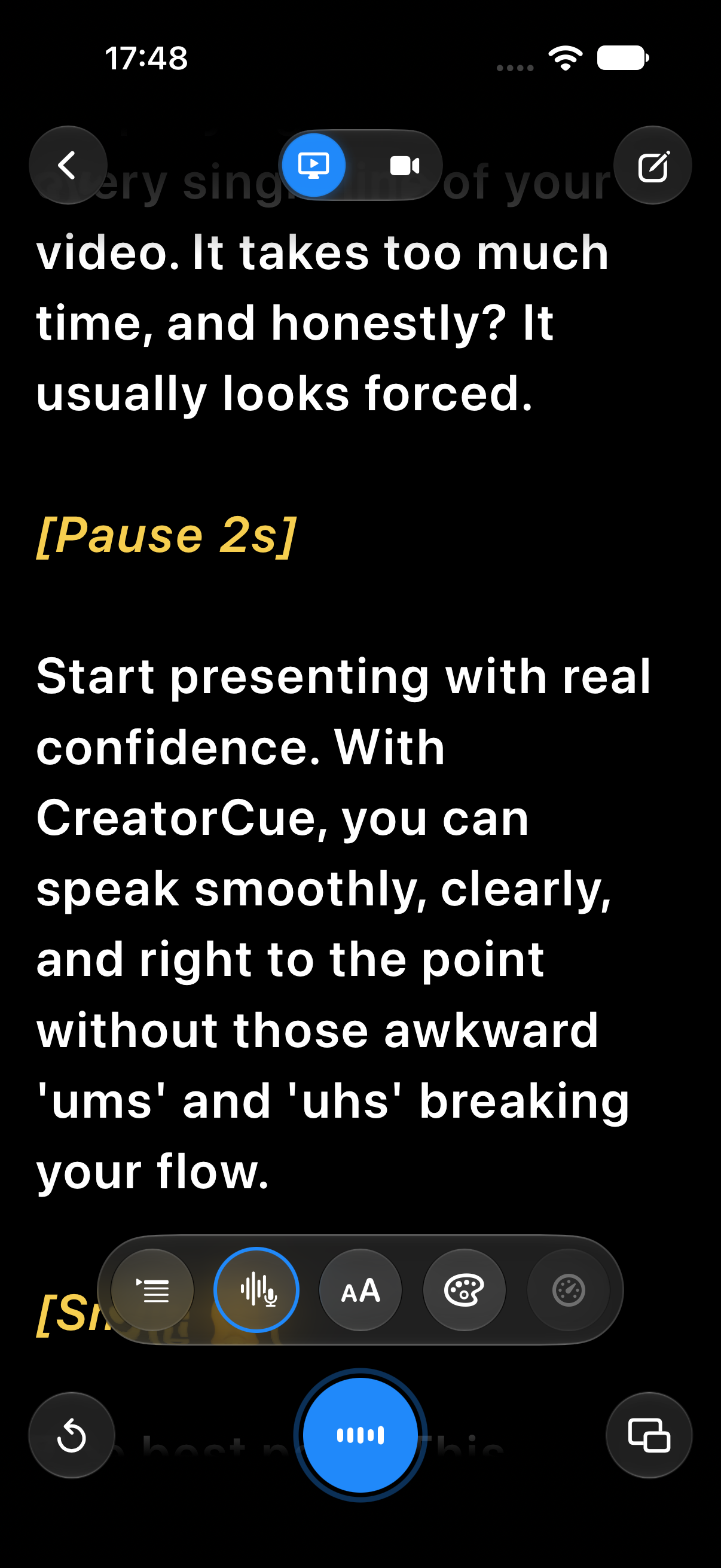
Distinct formatting makes every cue easy to see, even mid-sentence.
Cues fade out progressively over 3 seconds, so you know when to move on.
Add an emoji like [Smile 😊] to make a cue even quicker to read.
Pauses, gestures, B-roll notes, product shots, or camera changes. If it fits in brackets, it works.
A teleprompter that follows your voice, word for word.
Learn more →Your script in a floating window over TikTok, Instagram, Zoom, and more.
Learn more →Record in 4K with your script right next to the lens.
Learn more →Bring scripts in from PDF, Word, RTF, or TXT files.
Learn more →Bracketed notes like [Pause 2s] that you see but never read aloud.
Learn more →Flip your text for teleprompter glass and beam splitter rigs.
Learn more →Available on iPhone and Android. Open the app and start creating in under a minute.
 App Store
 Google Play