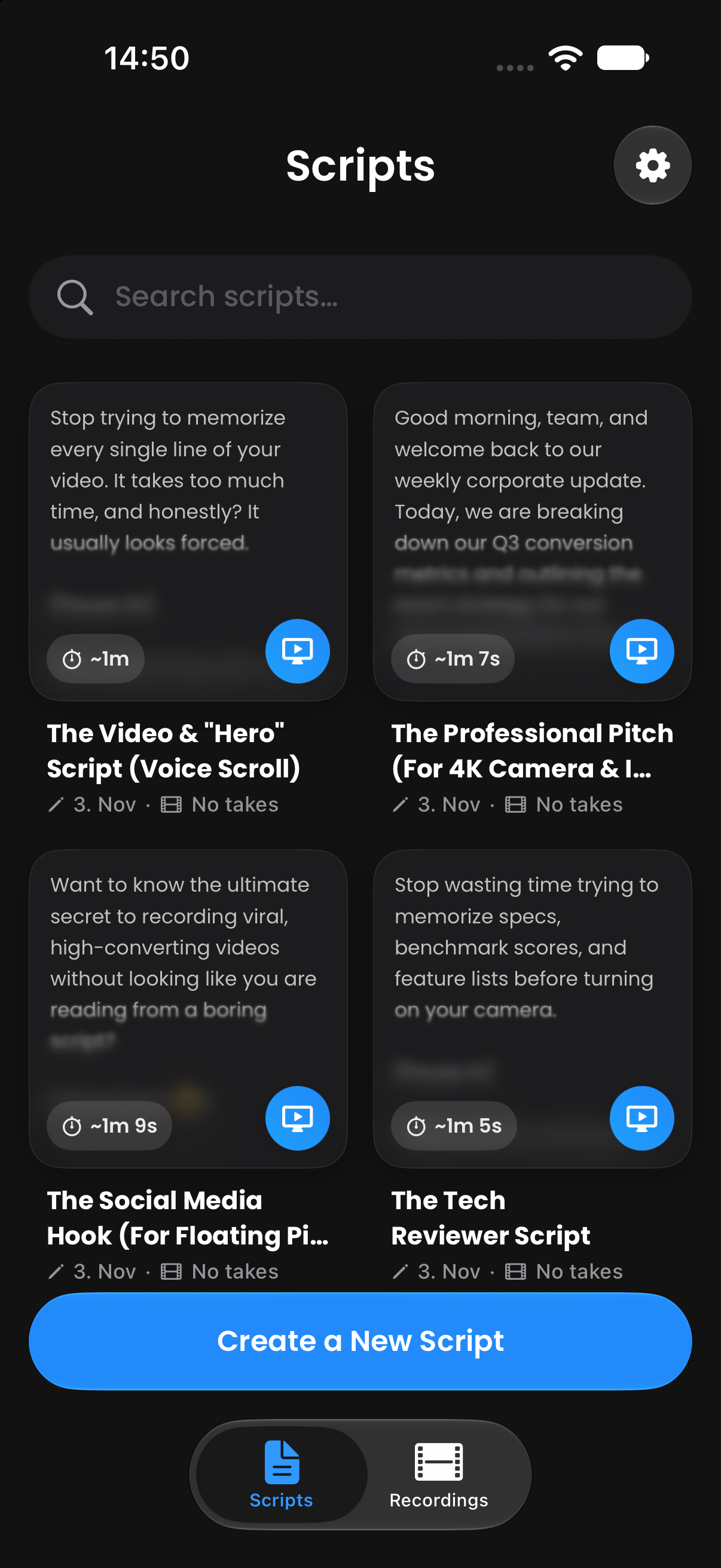
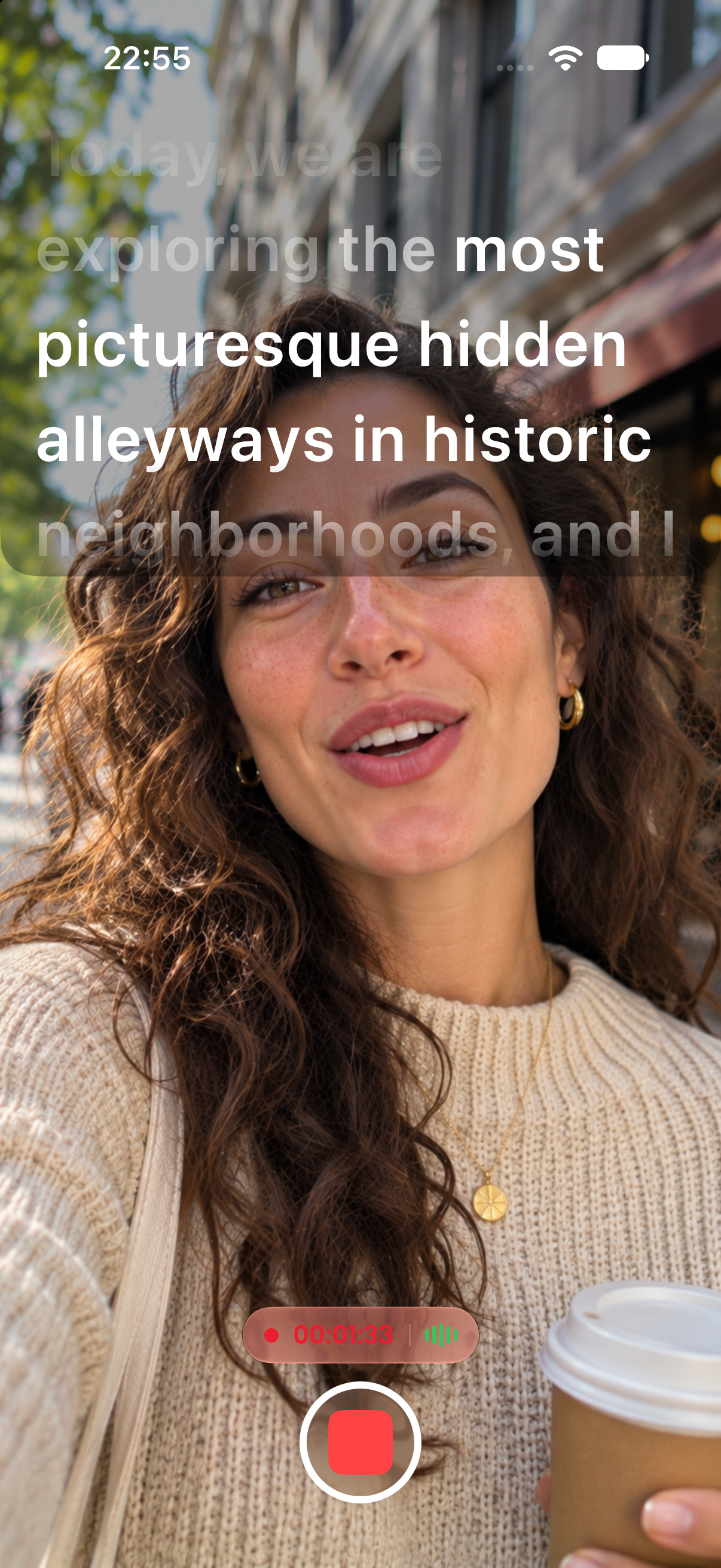
Flip your text horizontally or vertically to use CreatorCue with teleprompter glass, camera hoods, and beam splitters. Your phone becomes the display of a professional prompter.
Free to download. No subscription required to start.
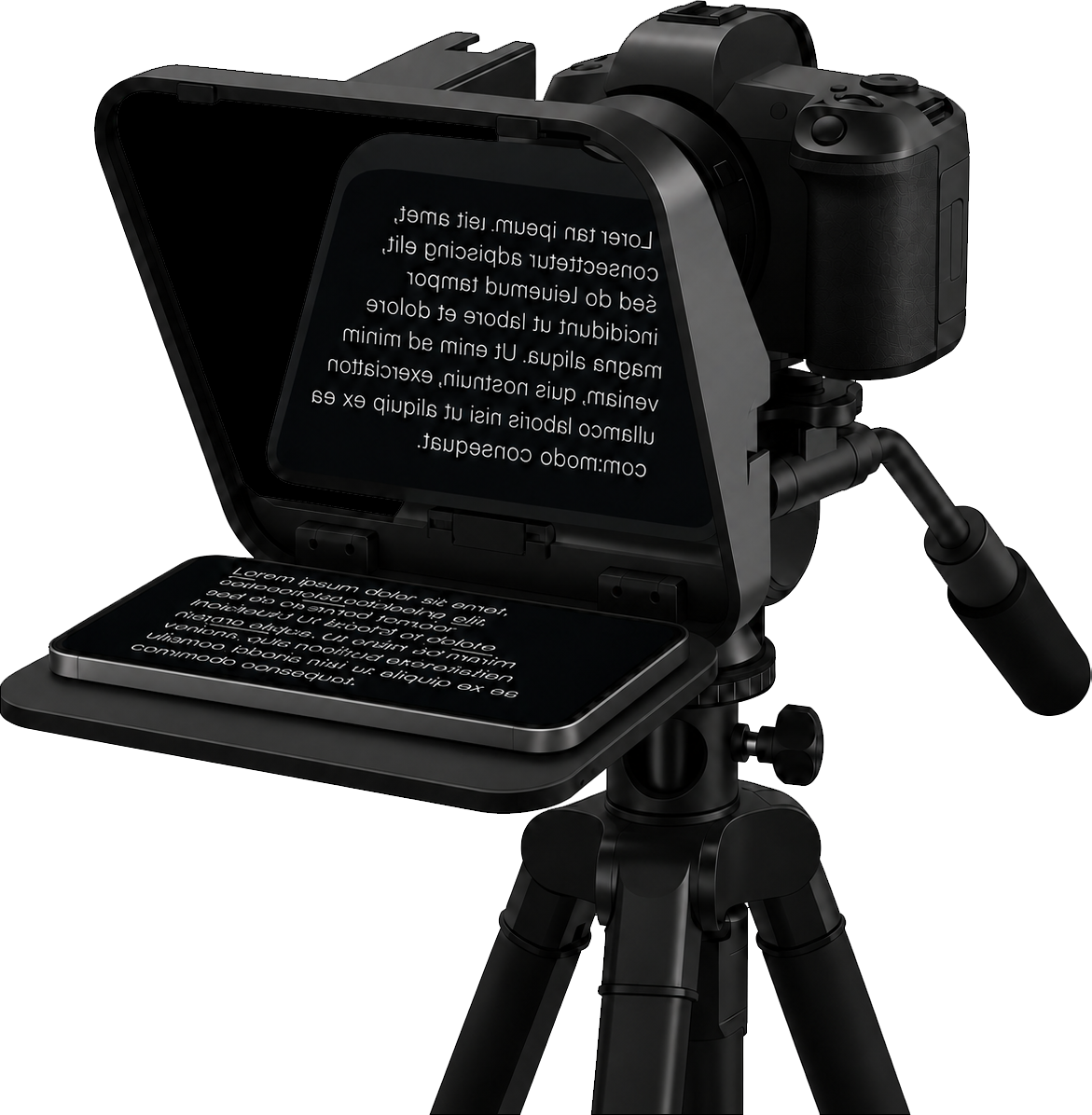
Place your phone in the teleprompter rig, under the beam splitter glass.
Flip the text horizontally or vertically, depending on how your rig is built.
The reflection reads the right way around, while the camera films straight through the glass.
Mirrors the text left to right, so it reads correctly in beam splitter glass.
Flips the text top to bottom for rigs that show the display upside down.
Use it with teleprompter glass, camera hoods, and beam splitters.
Mirror Mode is built into CreatorCue, so the same scripts work on your phone and on your rig.
A teleprompter that follows your voice, word for word.
Learn more →Your script in a floating window over TikTok, Instagram, Zoom, and more.
Learn more →Record in 4K with your script right next to the lens.
Learn more →Bring scripts in from PDF, Word, RTF, or TXT files.
Learn more →Bracketed notes like [Pause 2s] that you see but never read aloud.
Learn more →Flip your text for teleprompter glass and beam splitter rigs.
Learn more →Available on iPhone and Android. Open the app and start creating in under a minute.
 App Store
 Google Play