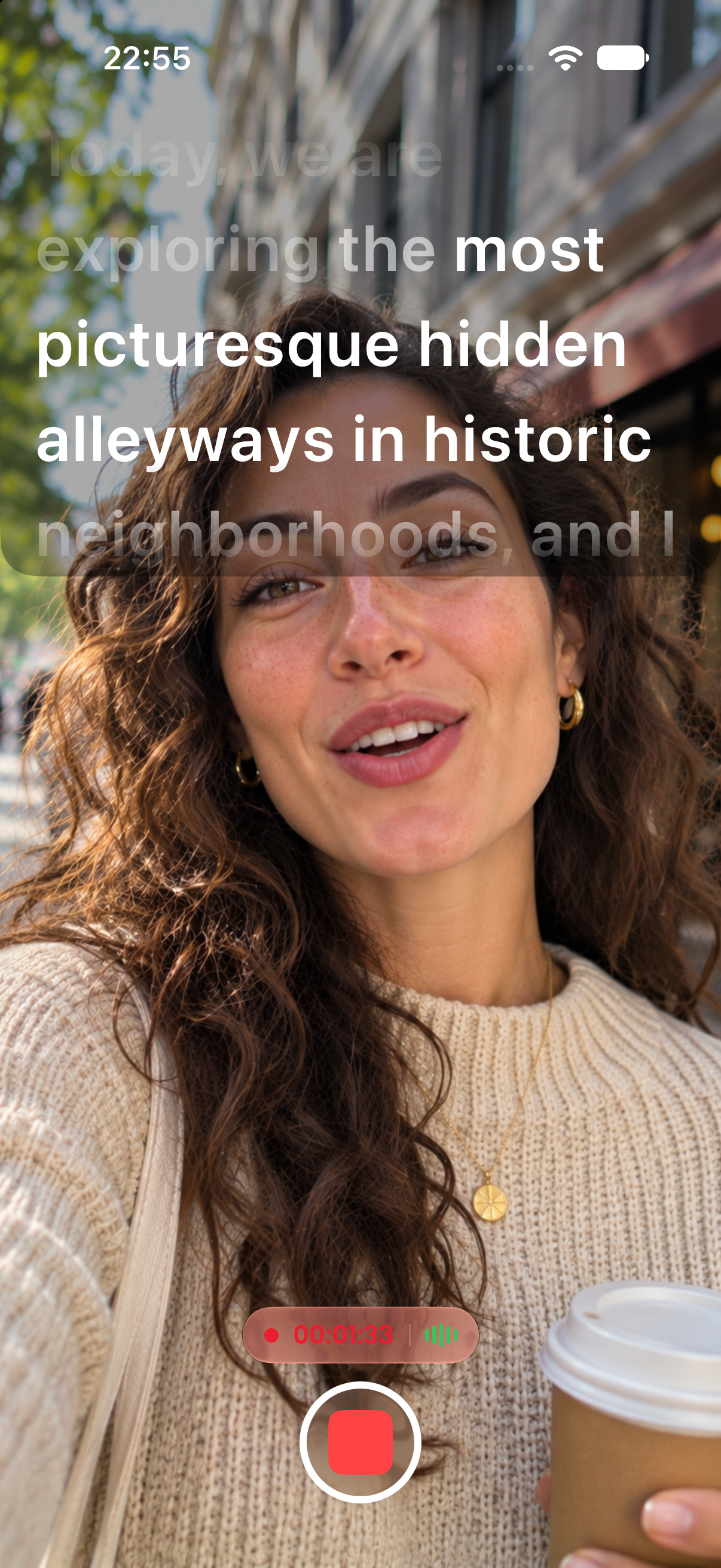
Read your script and record in the same app. Film in 4K Ultra HD or Full HD with your text right next to the camera lens, so your eyes stay on your audience.
Free to download. No subscription required to start.
Choose 9:16 for TikTok, Reels, and Shorts, or 16:9 for YouTube.
Record in 4K Ultra HD on supported devices, or in Full HD 1080p to save space.
Your script sits just below the lens. Tap record and read naturally.
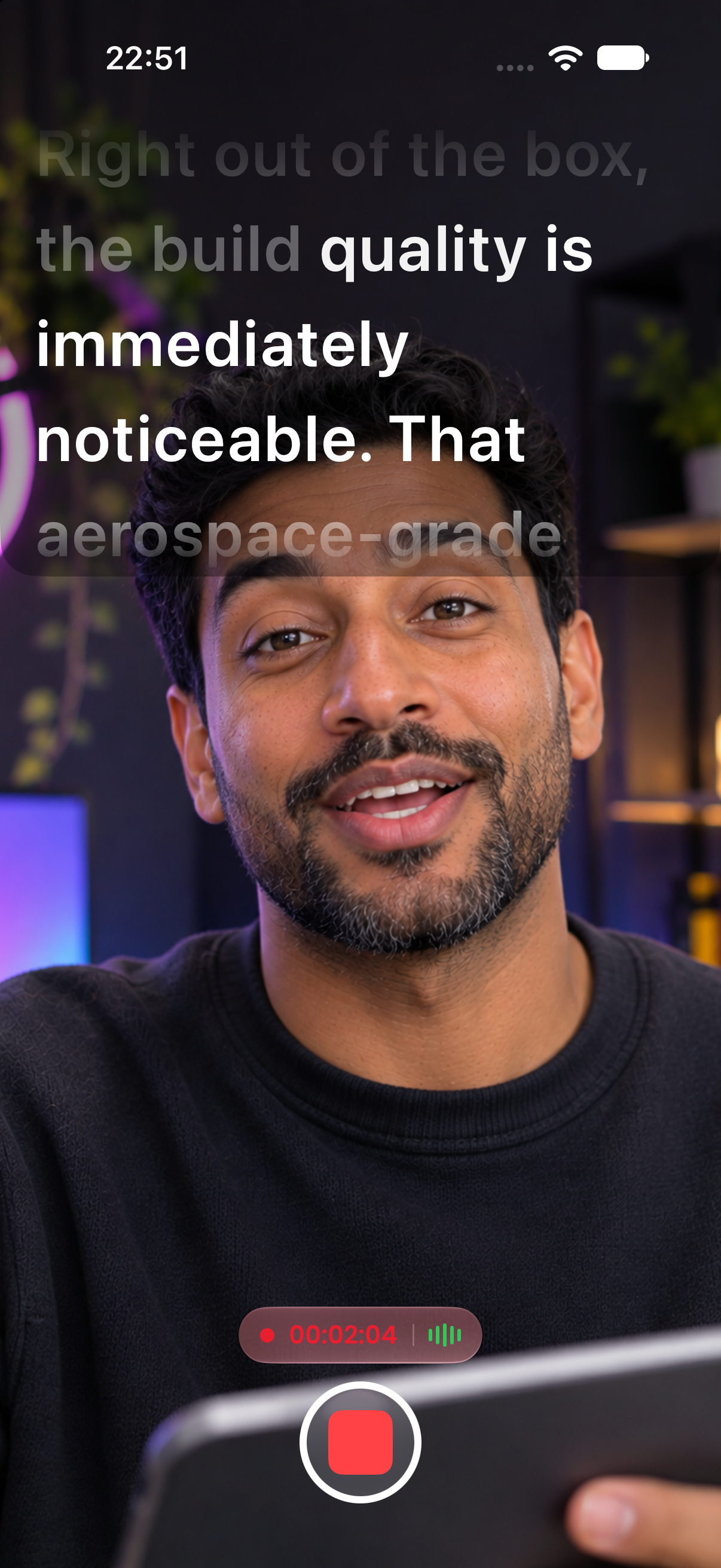
Record in 2160p on supported devices for crisp, high-end footage.
A lighter option that still looks sharp on every platform.
Your script sits right below the camera, so your gaze looks natural on screen.
9:16 for Shorts, Reels, and TikTok. 16:9 for YouTube.
A teleprompter that follows your voice, word for word.
Learn more →Your script in a floating window over TikTok, Instagram, Zoom, and more.
Learn more →Record in 4K with your script right next to the lens.
Learn more →Bring scripts in from PDF, Word, RTF, or TXT files.
Learn more →Bracketed notes like [Pause 2s] that you see but never read aloud.
Learn more →Flip your text for teleprompter glass and beam splitter rigs.
Learn more →Available on iPhone and Android. Open the app and start creating in under a minute.
 App Store
 Google Play