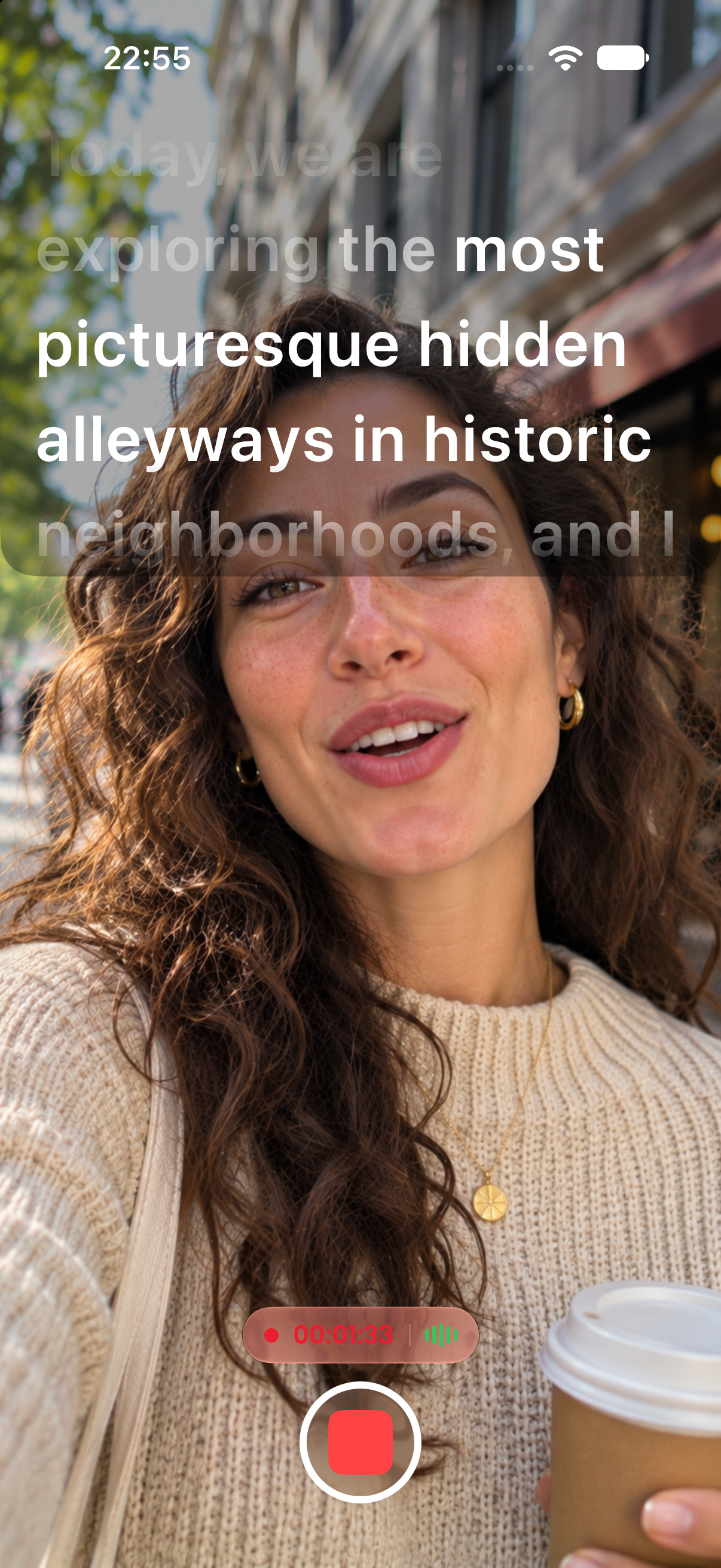
Import your script straight from PDF, Word, RTF, or plain text files. No copy-pasting, no retyping. Write wherever you like, then open it in CreatorCue and hit record.
Free to download. No subscription required to start.
Use your favorite editor on your computer or your phone.
Pick a PDF, DOCX, DOC, RTF, or TXT file and CreatorCue brings the text in.
Your script is ready to scroll, with Voice Scroll, direction cues, and every other feature.
Import scripts saved or exported as PDF documents.
Open .docx and older .doc files directly.
Import .rtf files from TextEdit, WordPad, and other editors.
Simple .txt files from any app or device.
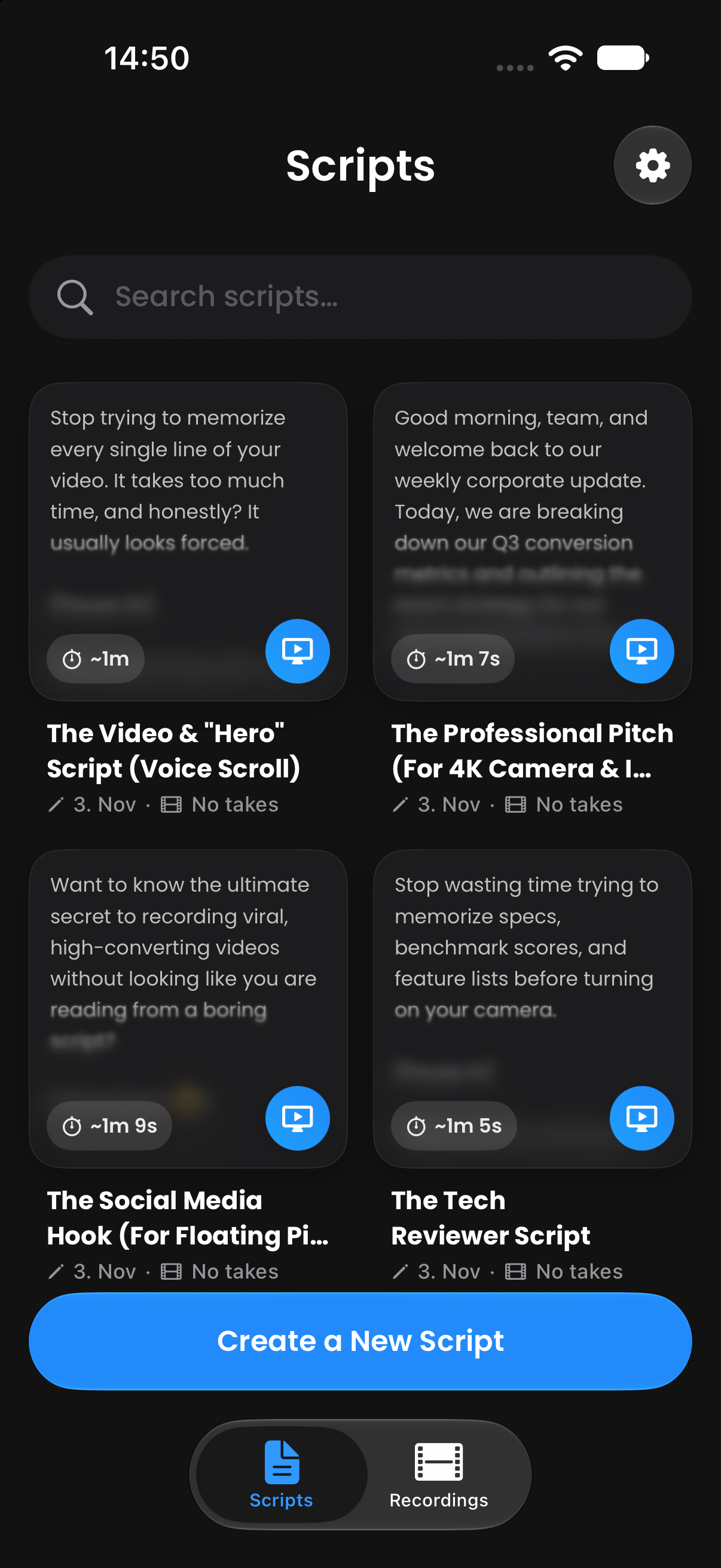
A teleprompter that follows your voice, word for word.
Learn more →Your script in a floating window over TikTok, Instagram, Zoom, and more.
Learn more →Record in 4K with your script right next to the lens.
Learn more →Bring scripts in from PDF, Word, RTF, or TXT files.
Learn more →Bracketed notes like [Pause 2s] that you see but never read aloud.
Learn more →Flip your text for teleprompter glass and beam splitter rigs.
Learn more →Available on iPhone and Android. Open the app and start creating in under a minute.
 App Store
 Google Play